Why Your “Good Enough” Room Keeps Letting You Down
I walked into a meeting where two people sat in the room, and ten joined online. The camera was fine, the sound was okay, and still everyone said, “Can you repeat?” In many offices, hybrid meeting room solutions are set up like this, half-patched and half-ignored. Yet more than 70% of knowledge workers now join meetings remotely at least once a week, and meeting time is rising year-on-year. So, if rooms look busy, why do outcomes feel weak? Is it the gear, the network, or the way we plan the room?
Let’s be straight, la: we often treat the room like a gadget, not a system. People shuffle cables, then blame “the platform.” But the platform is not the room. The room has acoustics, lighting, power, and people who move. We need to ask better questions. Where does the audio fail? Who controls the flow? How do we handle both ease and scale? (Not just today, but next quarter.) Okay, let’s break it down and see what actually fixes the mess—without drama.
The Hidden Flaws in Traditional Setups That Keep Meetings Stuck
Why do legacy rooms still fail?
Many rooms were built for in-person talks, not mixed presence. The old playbook leans on fixed mics, a single camera, and a manual switch box. Modern hybrid meeting technology needs active audio management and flexible video framing. Without beamforming microphones, voices drift and drop. Without a room DSP, echo creeps in. And when you push all streams through a single codec without QoS, jitter ruins clarity. Look, it’s simpler than you think: treat the room as an integrated system, not as pieces that “should work.”
Power is another trap. Daisy-chained extenders stress power converters and create random failures—funny how that works, right? Meanwhile, cameras fight backlight, so faces look dull. Old control panels add clicks that slow hosts. And there’s the network: no SD-WAN or smart routing means remote users get lag at peak hours. A hybrid space should push processing close to the room using edge computing nodes, while automating scene changes and gain control. When the system adapts in real time, the human load goes down. That is the shift that keeps people talking, not troubleshooting.
From Patchwork to Platform: The Comparative Edge of Next-Gen Rooms
What’s Next
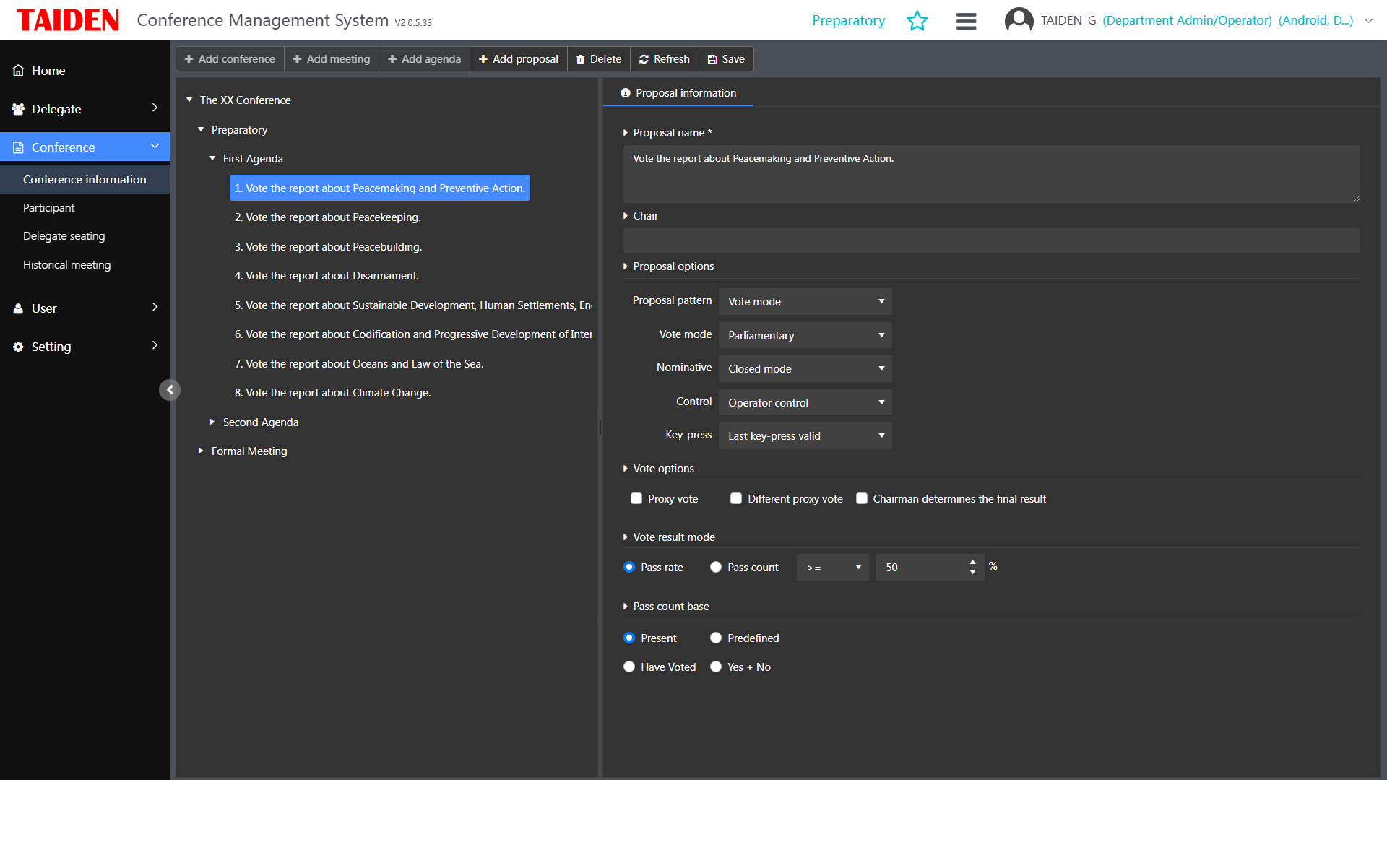
Let’s move from fixes to principles. New rooms compare well when they follow a platform model. Audio, video, control, and network act like one stack. With adaptive framing and noise classification built in, hosts don’t babysit the gear. Here’s the difference: older rooms rely on manual presets; modern systems use event triggers and AI cues. When hybrid meeting technology sits on top of policy-based routing and device telemetry, you get fewer surprises—and faster recovery when something does go off. Small note: redundancy in power and network matters more than one fancy camera.
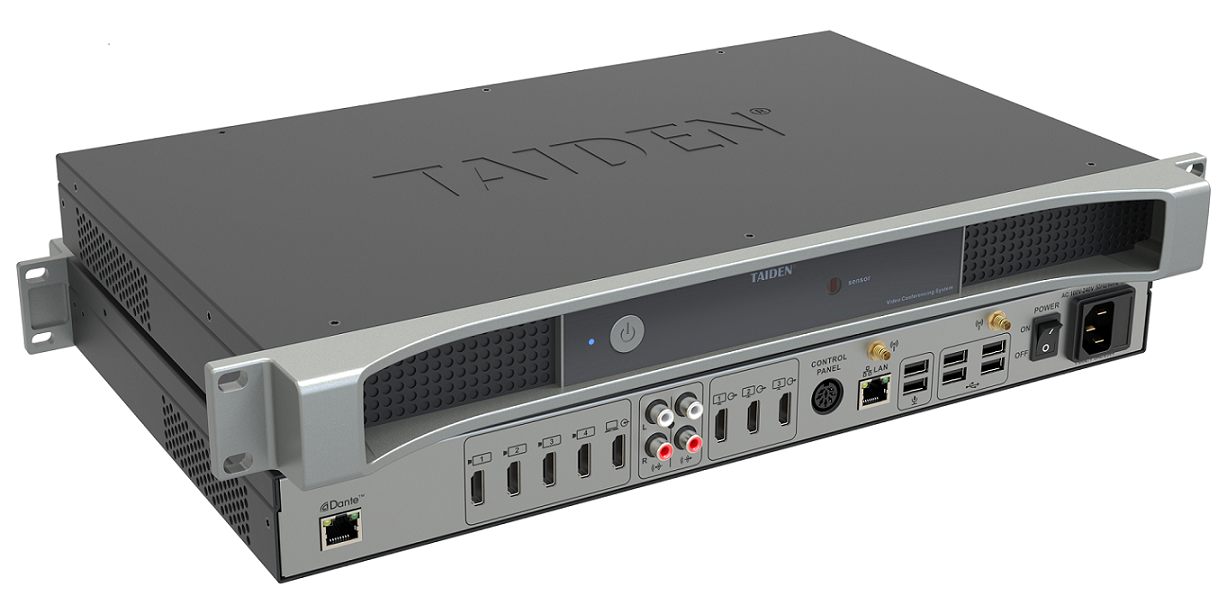
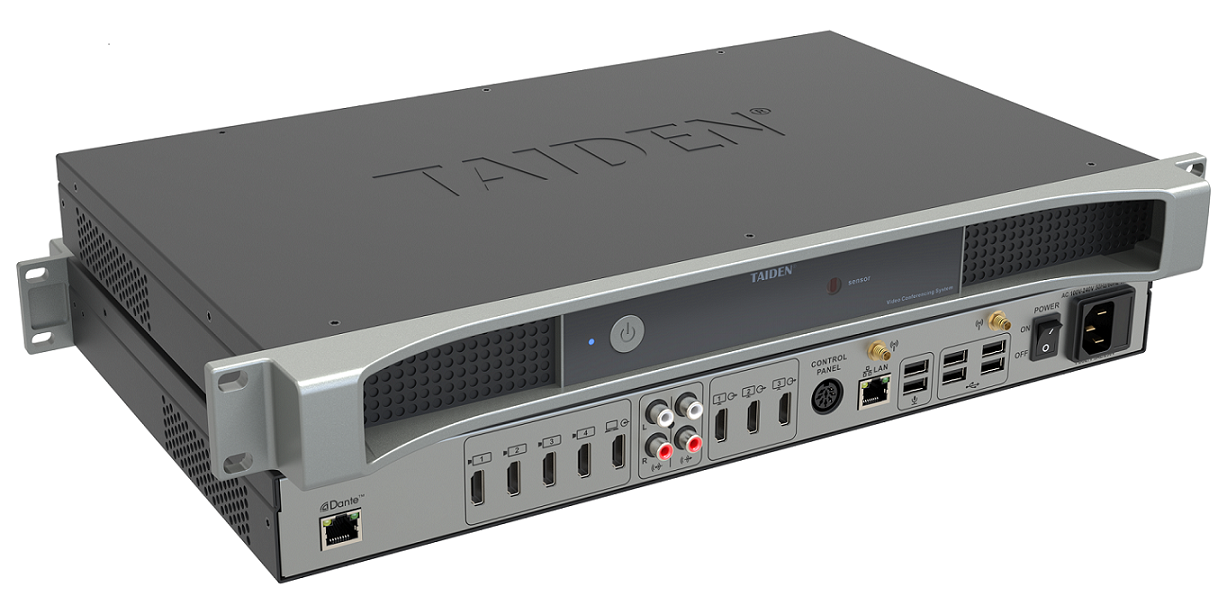
Real cases show the gap. One firm switched from split devices to a unified control layer. They kept their cameras but added smart DSP and QoS tagging. Dropouts fell by half; meeting starts sped up by 40%. Another site moved decoding to edge computing nodes and used automatic mic zoning. Side chatter dropped; remote folks reported less fatigue. The lesson? Tie room logic to outcomes, not to brand checklists—funny how that keeps budgets saner, right? Now, when you pick a solution, use three checks. First, resilience: measure failover time and recovery steps. Second, clarity: test speech intelligibility and camera response to movement. Third, scalability: verify how fast you can add rooms, users, and policies without re-cabling. Keep the tone steady, keep the data honest, and make choices that last. For a deeper look at integrated conference ecosystems, see TAIDEN.