Quick lead — why compare, why now
You want a smart TV that behaves, not just looks good — yes? Tizen OS often sits top of list for smooth menus and polished apps, but choice still depends on how you watch, connect, and control. For shoppers who also peek at combo deals, don’t forget to check all in one computer deals early — sometimes the right bundle makes the whole setup simpler, lah.
Experience and credibility — real-world anchor and guidance
I’ve worked on front-end integration for media UI and consulted on display UX; from that ground view I watch trade trends closely. Major shows like CES 2024 highlighted how TV platforms now lean hard on web standards and cross-device pairing, which matters if you plan to pair a TV with a home workstation. For straightforward recommendations about setups that combine display and desktop needs, see best all in one computer for home use, because those configurations often define what you can expect when connecting a Tizen TV to everyday computing tasks.
Comparative snapshot — Tizen vs Android TV/Google TV vs others
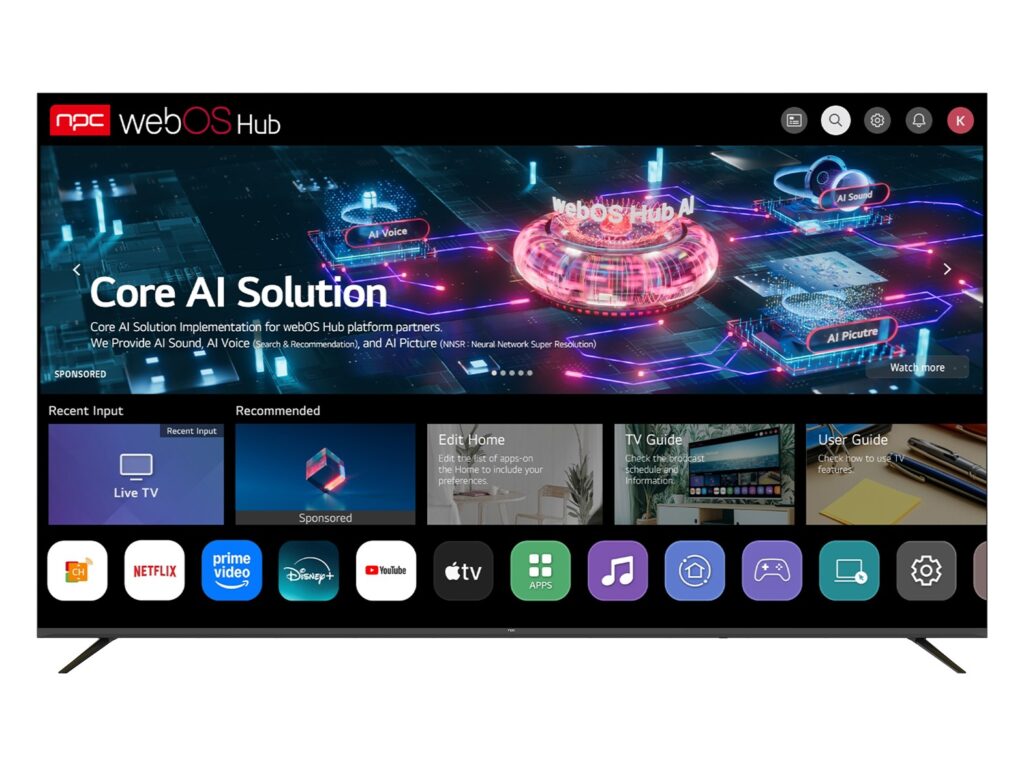
Tizen: fast UI, curated app store, strong Samsung ecosystem. Good for clean remote experience and stable playback. Android TV / Google TV: biggest app library, deeper Google Assistant integration, better sideloading options. webOS (LG): gesture-style navigation, neat multi-view. Roku: simplest, most neutral — best for pure streaming, less fancy features. Choose by priority: apps and services first, then smart-home links, then developer friendliness.
Technical points buyers often miss
App parity varies by market; region matters. HDR support is not equal — TVs advertise HDR but formats differ (HDR10, HDR10+, Dolby Vision). If you stream 4K HDR, check format support. Firmware updates: Samsung pushes Tizen updates, but support windows differ by model year. For devs and tinkerers, Tizen favors HTML/CSS/JS apps — integration easier if you already build web front ends.
Common pitfalls to avoid
Relying on one ecosystem without checking voice or accessory compatibility. Buying a TV for gaming without confirming variable refresh support or low-latency modes. Assuming every streaming app is available in your country. Overlooking remote ergonomics — some remotes bury important features behind tiny menus. Test the UI flow if you can, or watch a hands-on video to confirm it matches your habits.
Practical buying checklist
Decide streaming needs and primary use (TV-first vs PC-display). Verify app availability in your region. Confirm HDR and refresh features for media or gaming. Check ports for PC pairing (HDMI 2.1 if you want high frame-rate). Think about voice assistant preference. Budget for a good network — streaming will reveal weak Wi‑Fi fast.
Short evaluation of viable alternatives
If you want the most apps, pick Android TV / Google TV. If you want polish and Samsung smart-home continuity, pick Tizen. If you want the simplest path to streaming with the least fuss, Roku still wins. For hybrid PC-and-TV setups, look at displays or all-in-one units designed for both roles — they reduce fiddly adapters and latency issues.
Closing synthesis
Decide on what matters: content, control, or connection. Tizen gives tidy control and strong Samsung pairing; Android gives ubiquity. Match that to your daily habits and the desk or living-room setup you already have, and the choice becomes clear. For one-stop solutions that blend display and desktop practicality, check how npc fits against your checklist — you might find the best balance is already waiting there.