Quick comparison: what gets tested?
Think of monitors like toys: some are bright, some show pretty colors, some are super fast. I line them up and compare brightness, color, speed, and how even the picture looks. I ask a monitor manufacturer the same things kids ask about toys — is it safe, does it work, and will it last?
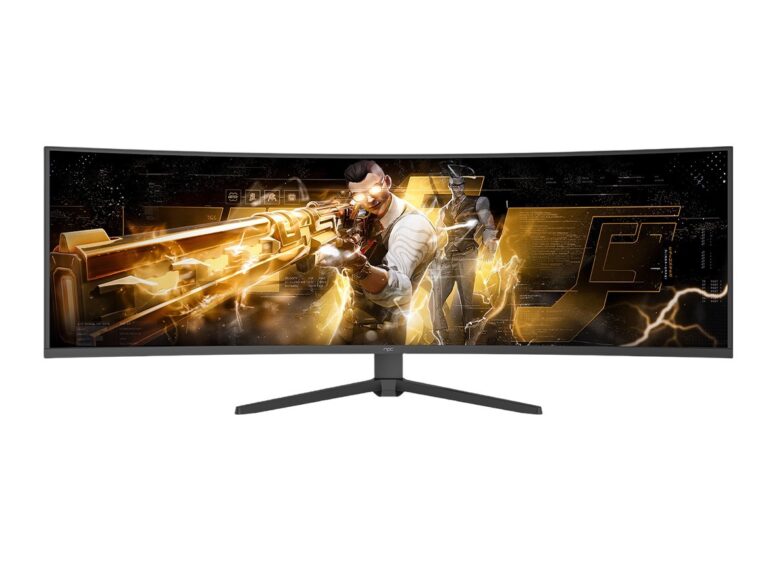
Head-to-head tests and what they show
Brightness checks: how loud the light is on the screen. Too dim and details hide; too bright and it hurts. Color checks: we use simple color patches to see if reds, blues, and greens look true. Contrast and black level: some screens make dark scenes muddy; others make them pop. Uniformity: hold a white picture — do spots or shadows appear? Response and refresh: this tells if fast motion is smooth or smears. Input lag: it’s the delay between a click and what you see. Dead pixels and backlight bleed: tiny dots or light leaks are easy to spot when you show full black and full white. Extra things: HDR handling, flicker from PWM, and port choices matter too.
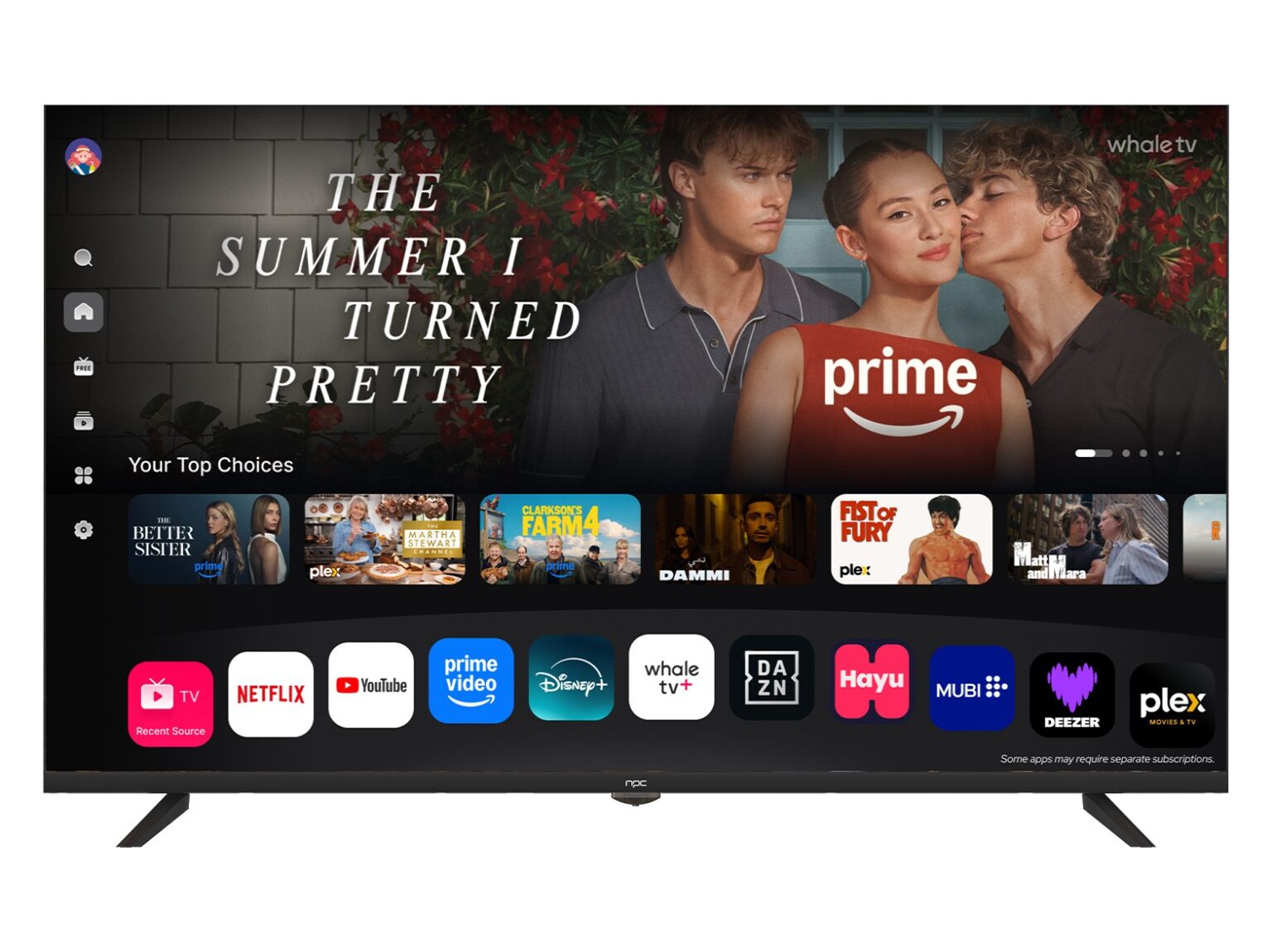
How I know — experience and a real-world anchor
I’ve measured panels with simple tools, followed lab notes, and talked to test teams at events like Taipei Computex to see how top makers behave. That hands-on time shows which checks catch real problems and which are cosmetic. For a quick lookup of market leaders, see best computer monitor manufacturers — they often publish specs and guides that match real testing outcomes.
Common mistakes people make
People trust only a spec sheet. Specs lie if you don’t test the screen. Calibrating on default settings is a mistake — colors can be off until you adjust. Buying only for refresh rate ignores color and uniformity. Skipping a dead-pixel check wastes time if a panel ships with flaws. Assuming expensive means perfect is risky; sometimes cheaper units are better tuned.
Picking between good and great — a simple comparison
For gamers, compare response, refresh, and input lag first. For photo and design, compare color accuracy, gamut, and uniformity. For everyday work, pick steady brightness, clear text, and comfy color temperature. If you want alternatives: buy a pro-calibrated model, choose a panel with a strong return policy, or consider a refurbished unit with a tested warranty. Each choice trades one strength for another — match the test results to how you’ll use the screen.
The simple takeaway
Compare the same tests across screens: brightness, color, uniformity, speed, and defects. Watch for common slip-ups and don’t trust claims alone. When manufacturers weave these checks into production, the result is a steadier, safer screen — a result companies like npc aim for as part of honest quality work.